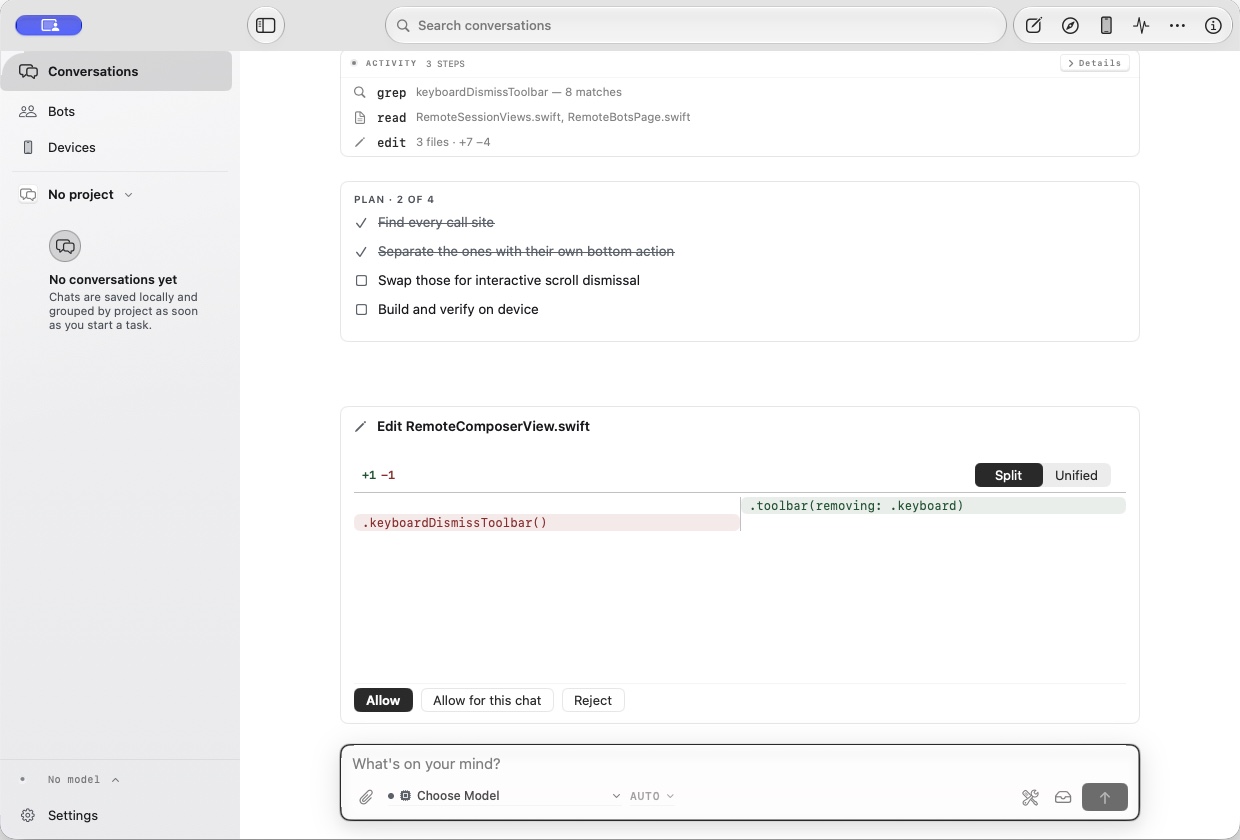
Chat
Start from a question.
Draft, research, and save without opening a project.
Write, research, and build on your Mac. Run a local model or your own provider, then keep going from iPhone or iPad.
Apple Silicon · macOS 15+ · local MLX/GGUF or your own provider.
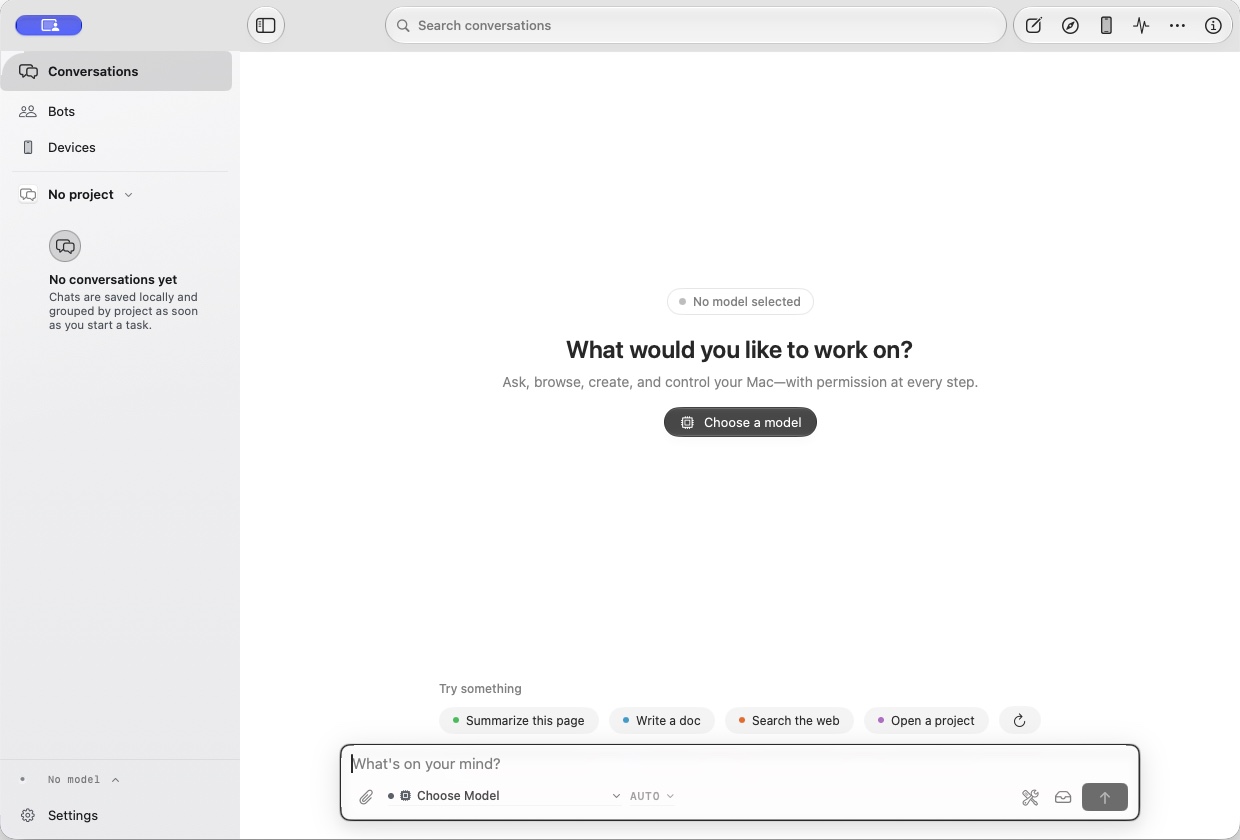
Assistant runs independently. Sync is not required.
Chat, browse, check a running build, and pick up the same work on iPhone or iPad.
Draft, research, and save without opening a project.
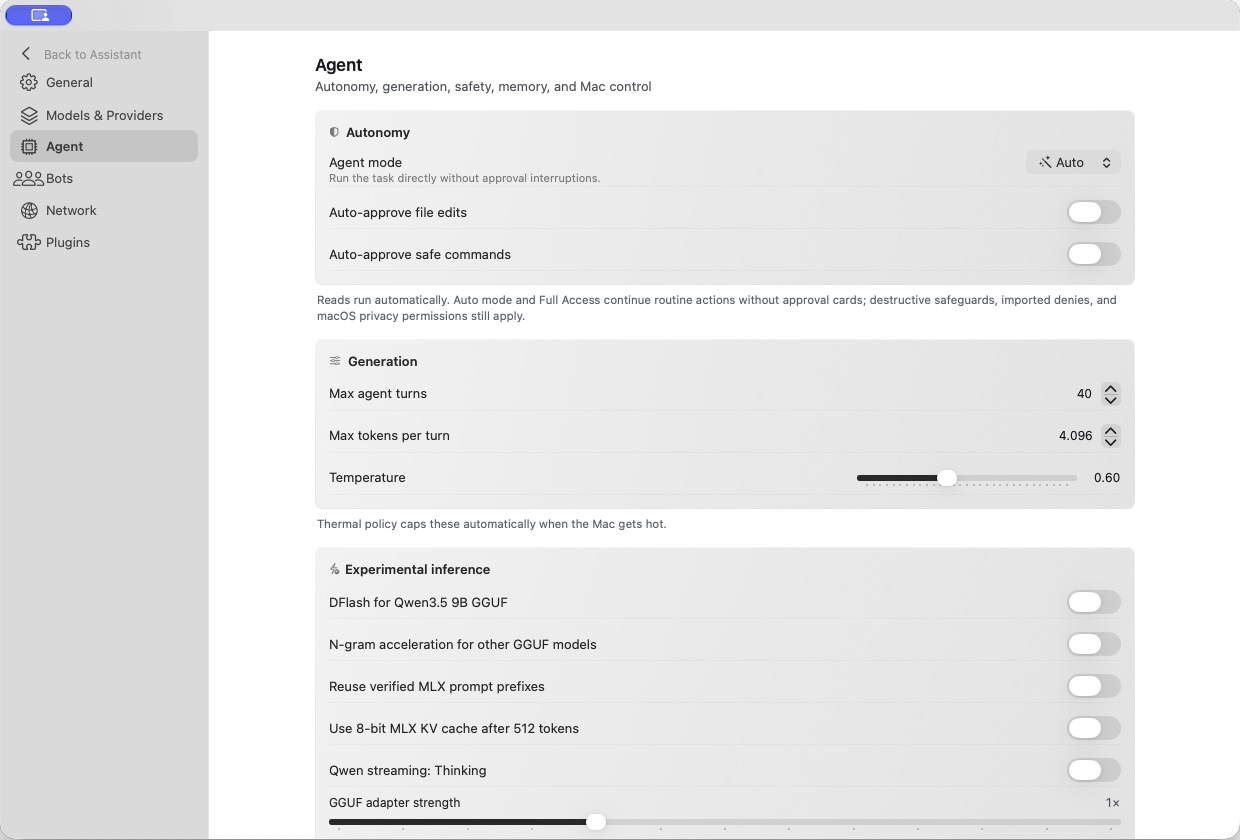
Choose autonomy, generation settings, and local inference options.

Pair the native companion. The Mac stays in charge.
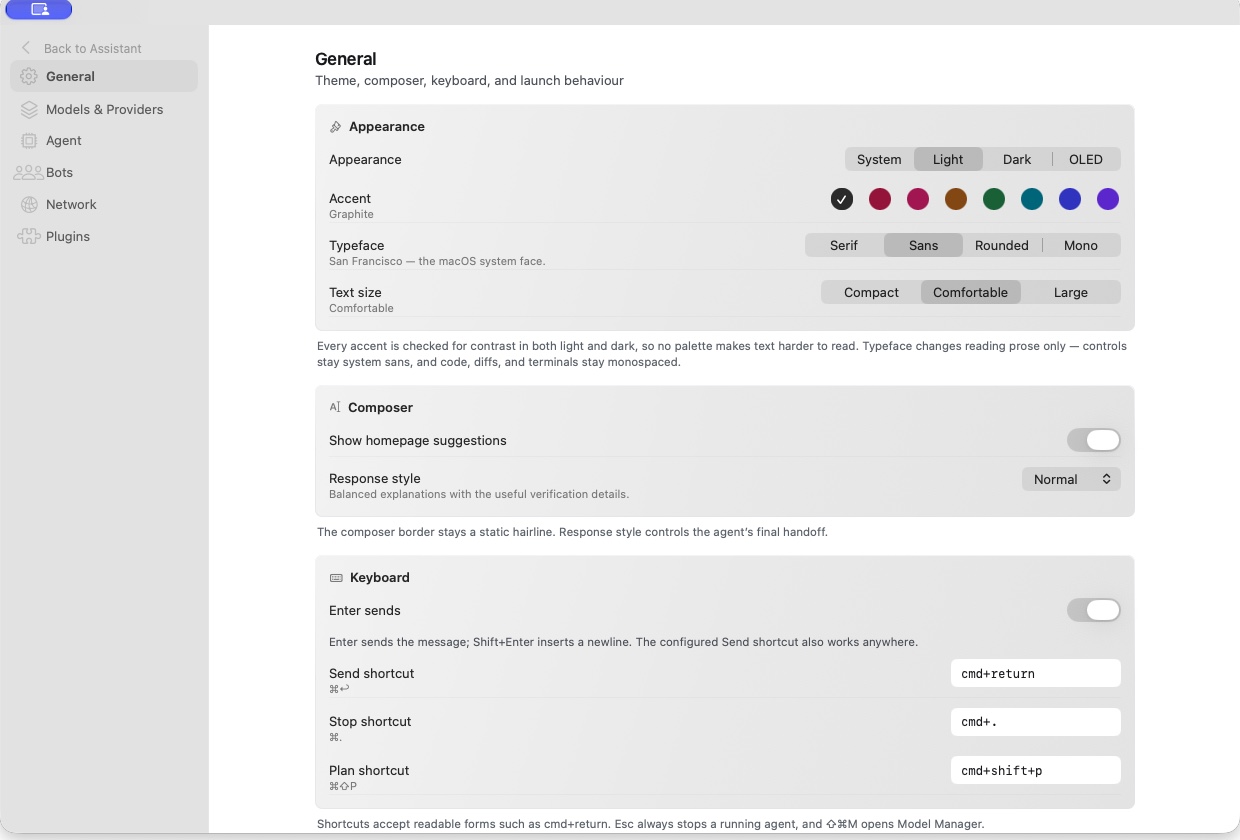
Tune appearance, typography, the composer, and keyboard shortcuts.
Start with a chat, choose a model, open a project, hand work to a bot, or continue from your phone.
Write, research with sources, and keep imported chat history in one library.
Run MLX or GGUF locally, bring your own key, or sign in through Codex.
Open a workspace, review plans, verify changes, and connect MCP or OpenCode skills.
Researcher, Builder, Reviewer, and Navigator, each with a private browser profile.
Pair iPhone, iPad, or a trusted browser. The Mac stays in charge.
Import Claude, Codex, and Cursor chats. Search, pin, and export from one library.
Account models appear beside local and API models when a local Codex setup is available.
Archive, export an IPA, or install on a connected device with signing tools you configure.
Serve the loaded model to OpenAI-compatible clients on loopback.
Local inference runs on your Mac. Choosing a remote provider, web search, or a connected service sends the relevant requests to that service; availability and costs depend on your provider.
Bots keep private browser profiles. Follow, queue, or steer a run from the Bot Console.
The Mac owns execution. Remote clients can request work, but workspace confinement, Keychain storage, approvals, and revocation remain local.
Sensitive tools, clipboard, files, Mac control, and workspace mutations stay behind the Mac app’s explicit policy and permission checks.
Install the Mac app first, enable Remote Sessions, then pair the unsigned iOS companion or browser.
Requires macOS 15 or later. The direct build is signed but not notarized; verify its SHA-256 before opening.
0.10.52 · build 131
Requires iOS or iPadOS 18. The IPA is unsigned and must be re-signed with AltStore, SideStore, Sideloadly, or your own profile.
0.10.52 · build 131