Vamp Stream · iOS
The visual client.
Install on iPhone or iPad, re-sign with your own profile, and pair only with a Mac you control.
0.1.23 · build 53
Use one Mac app on your iPhone or iPad. Install Vamp Sync on the Mac, pair Stream, and choose the app you want to use.
Unsigned IPA · re-sign for your device · no hosted relay.
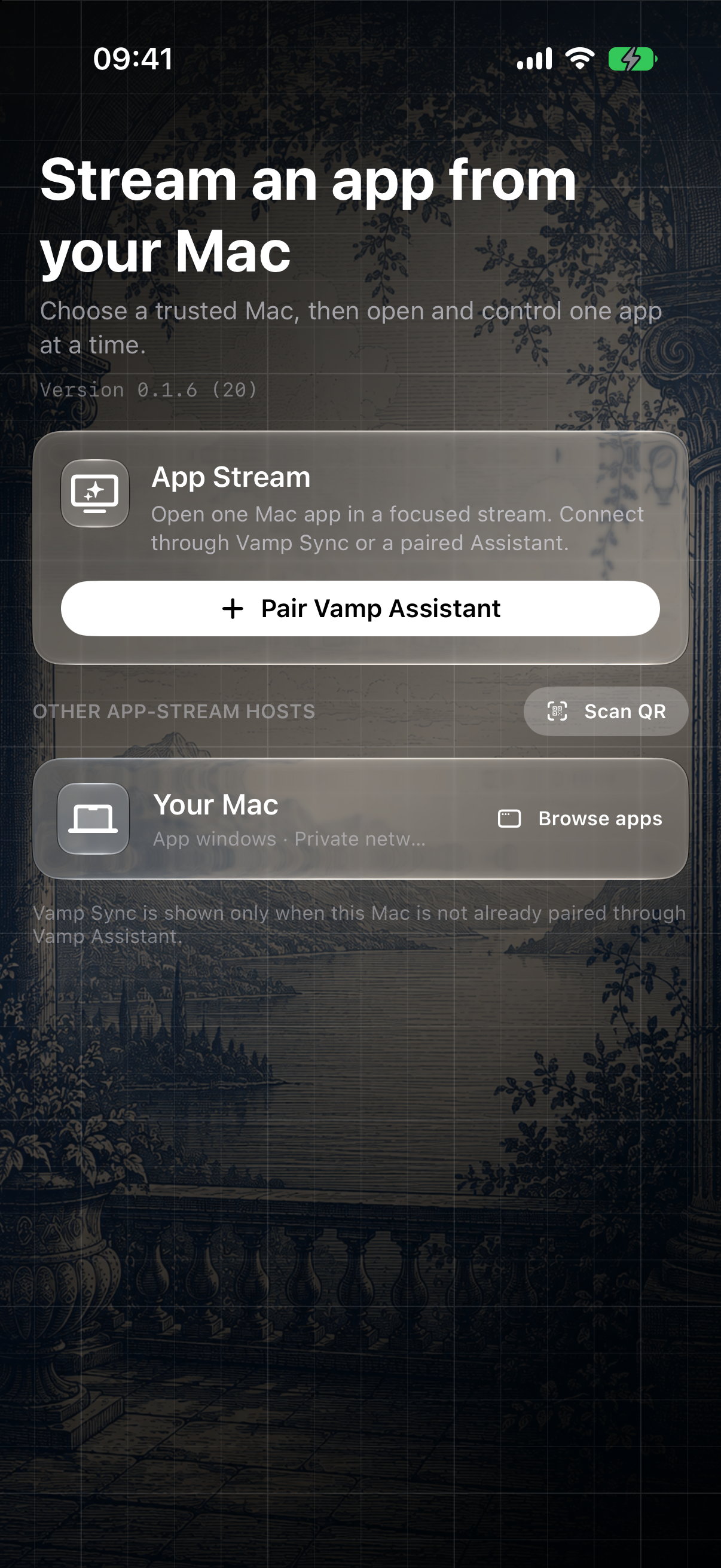
The first connection establishes trust; later connections reuse the saved identity until you revoke it.
Re-sign Vamp Stream for iPhone or iPad, then install Vamp Sync on your Mac.
Screen Recording enables video. Accessibility is required only when you want keyboard or pointer control.
Compare the complete device fingerprint on both devices before approving in Sync.
Choose the Mac app window you want to use.
Stream can also pair directly with Assistant’s Remote Sessions for an app window or full display. Enable Remote Sessions in Assistant and pair with its QR. This is optional; Sync is all you need for app-window streaming.
Explore Assistant →Keep every host on a trusted LAN or private Tailscale network. Never forward its ports to the public internet.
The iOS build is unsigned for AltStore-style re-signing. Verify checksums before installation.
Install on iPhone or iPad, re-sign with your own profile, and pair only with a Mac you control.
0.1.23 · build 53
Install Vamp Sync once and pair it with Vamp Stream or Vamp Control.
2.3.0 · build 71